Snapsort
Offline Mac photo and video library that finds people, objects, and places with on-device AI

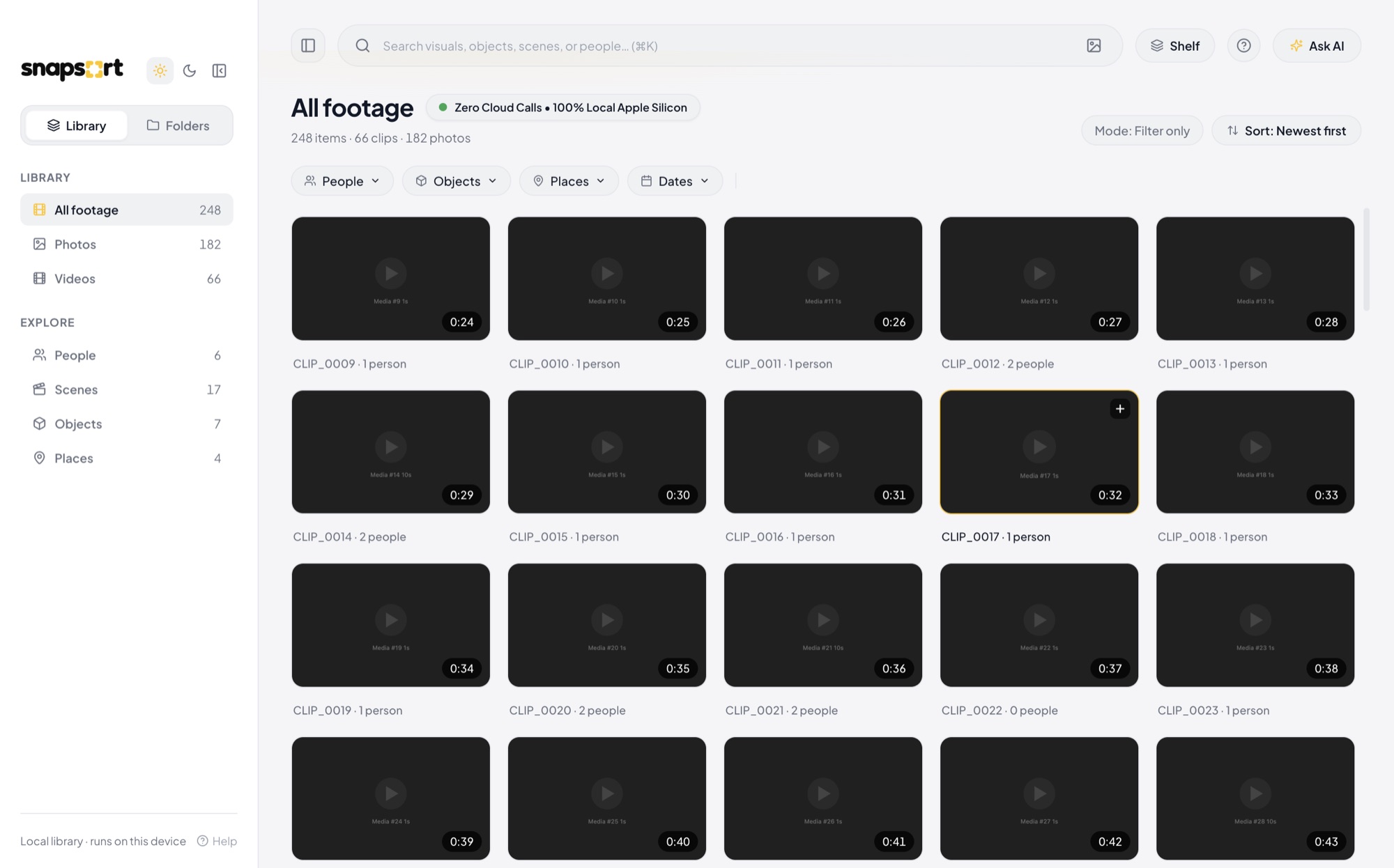
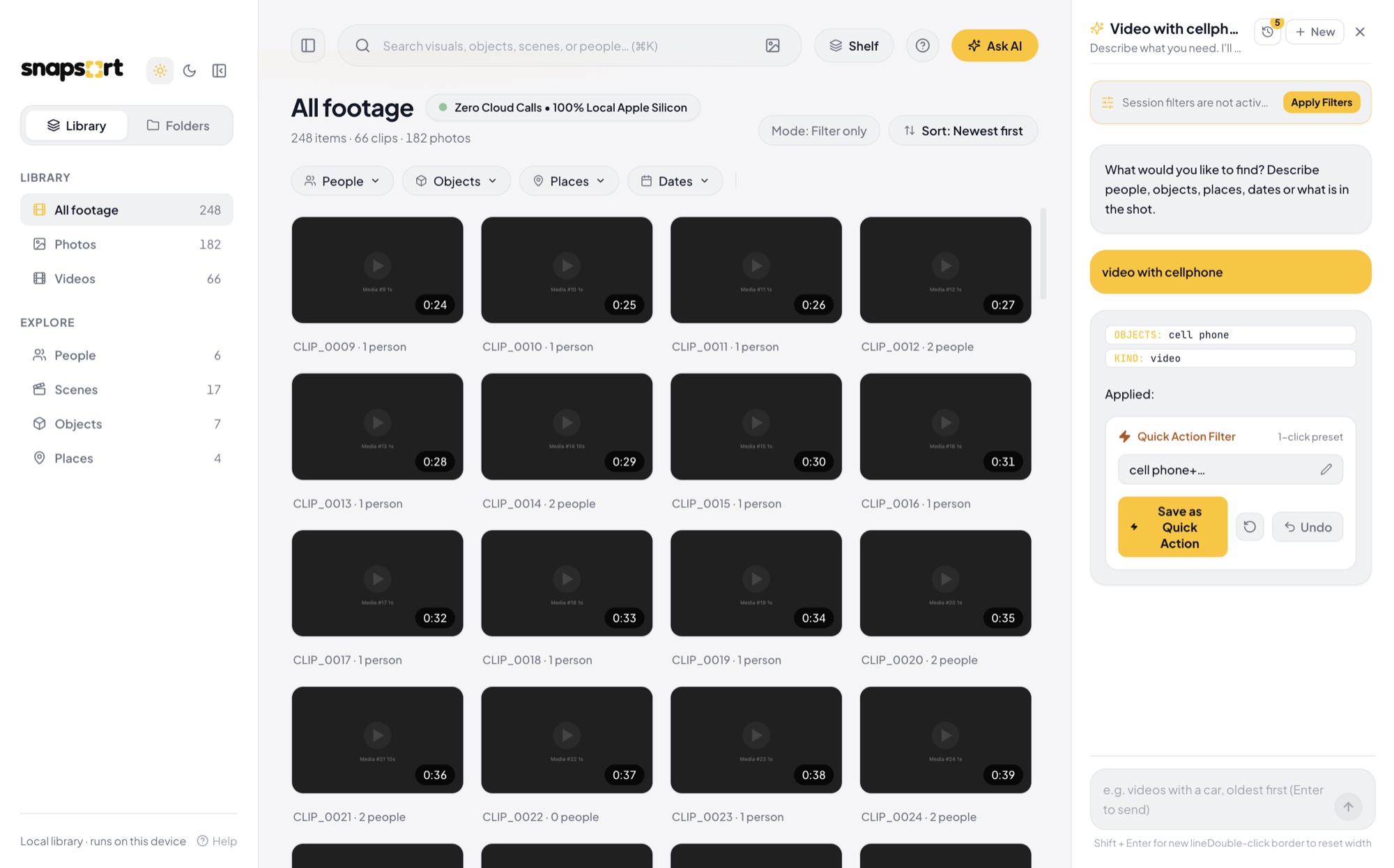
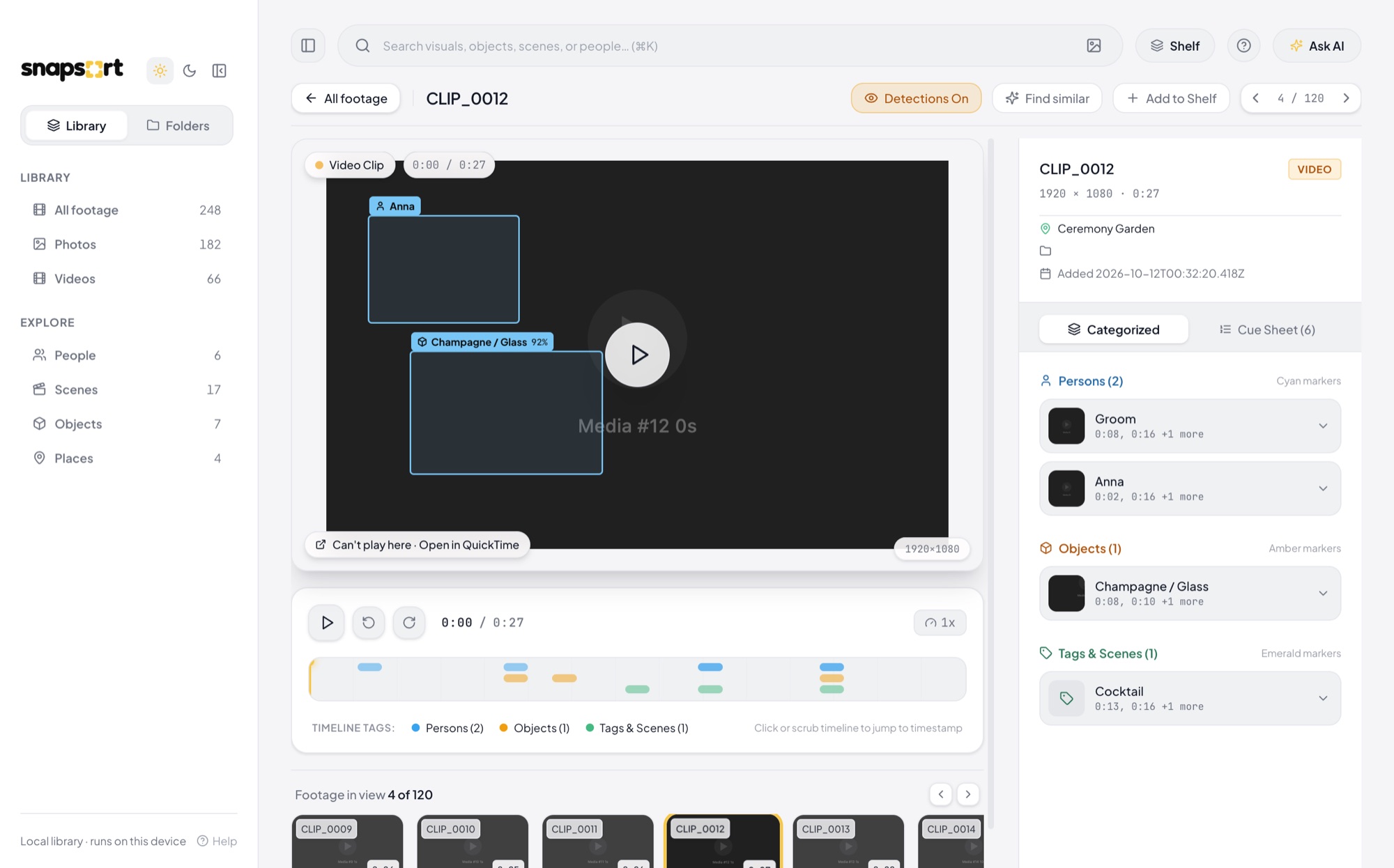
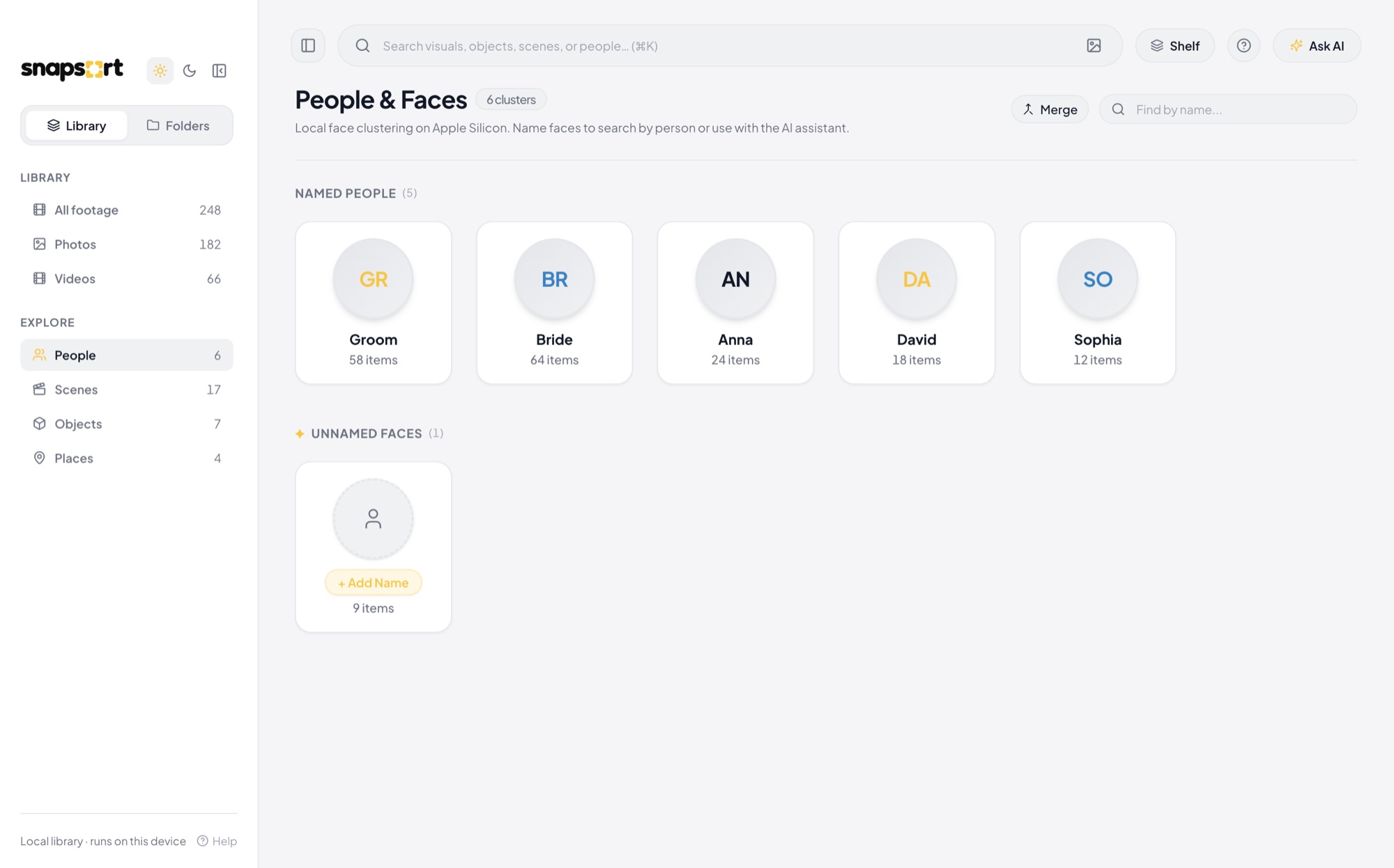
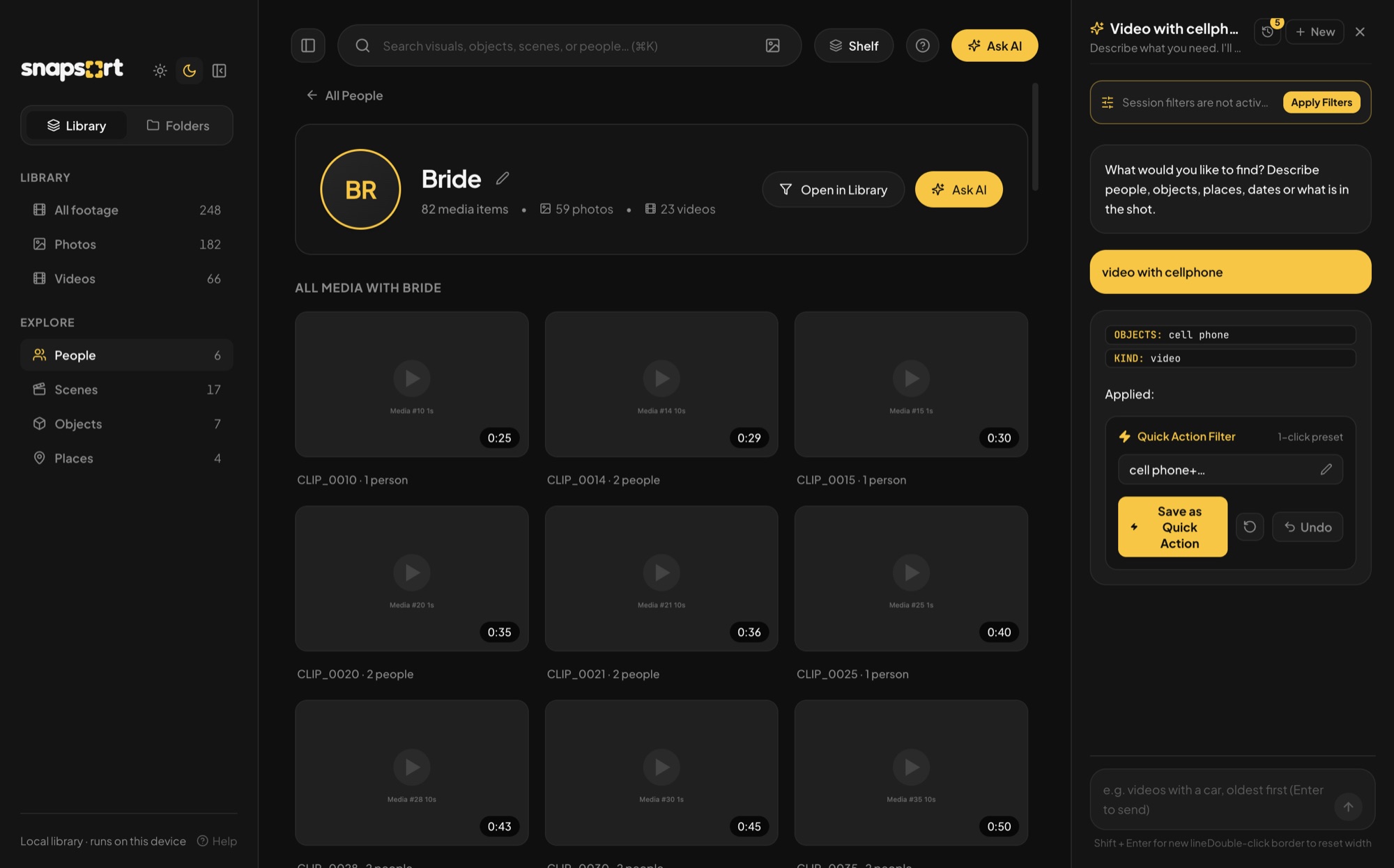
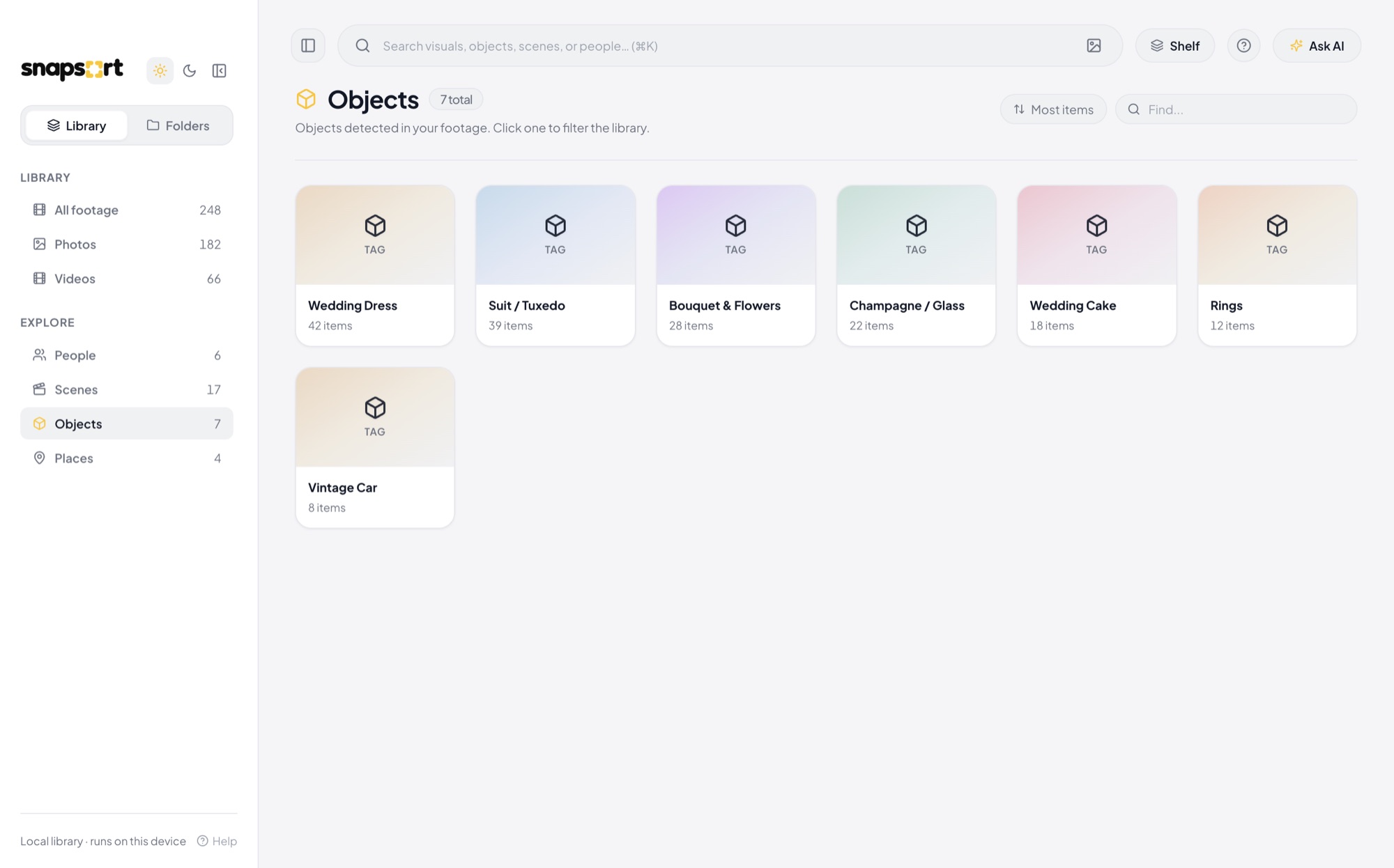
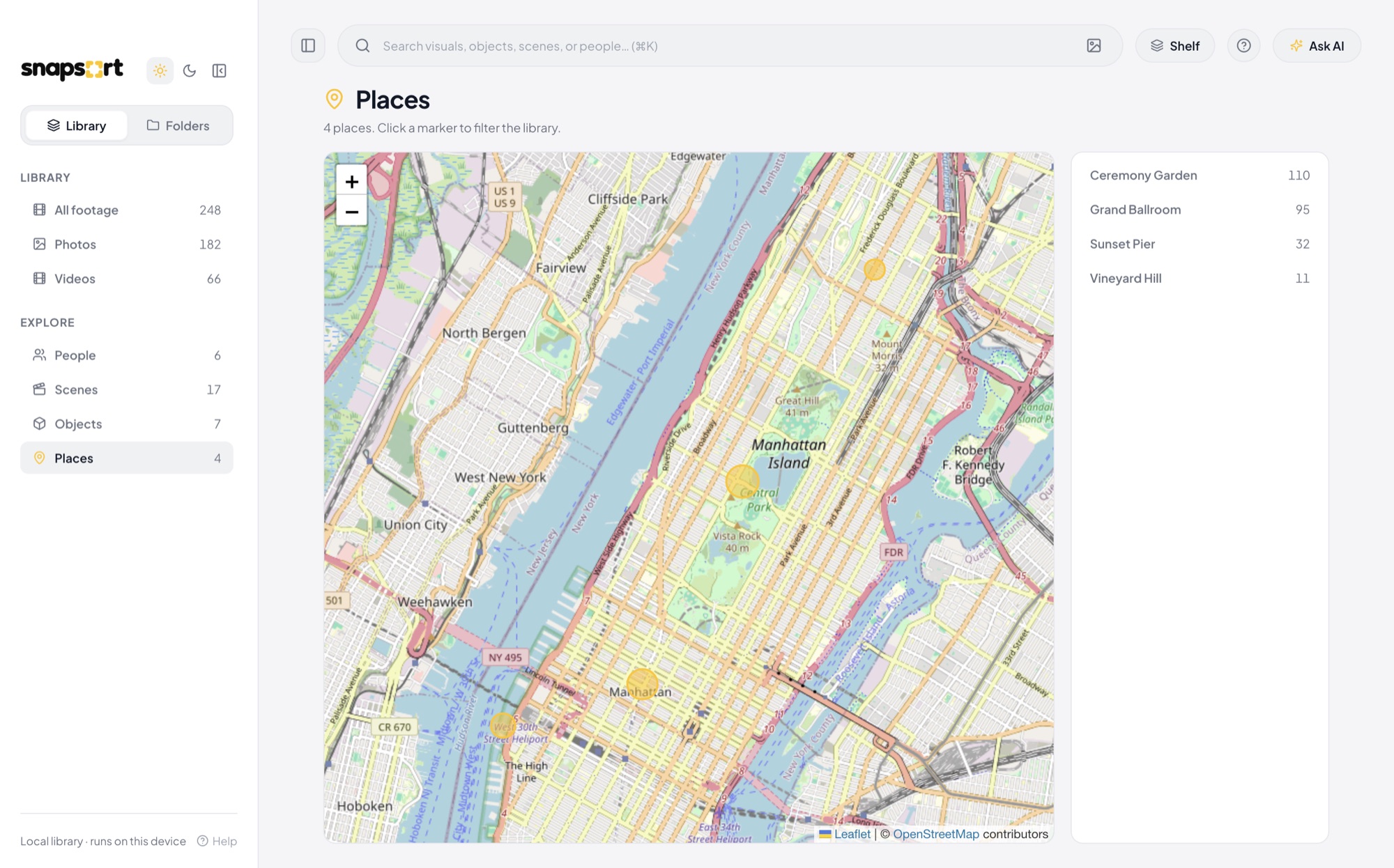
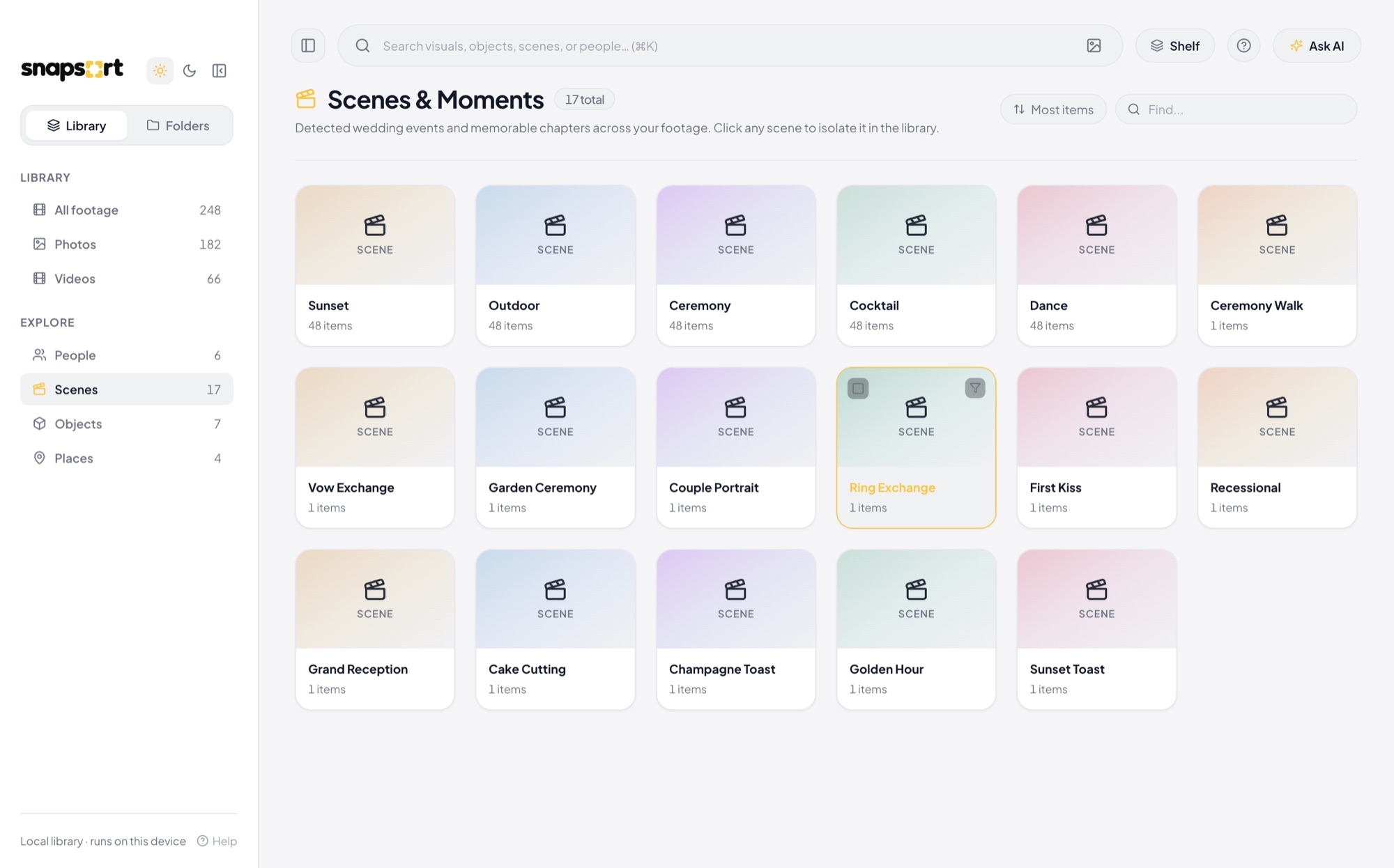
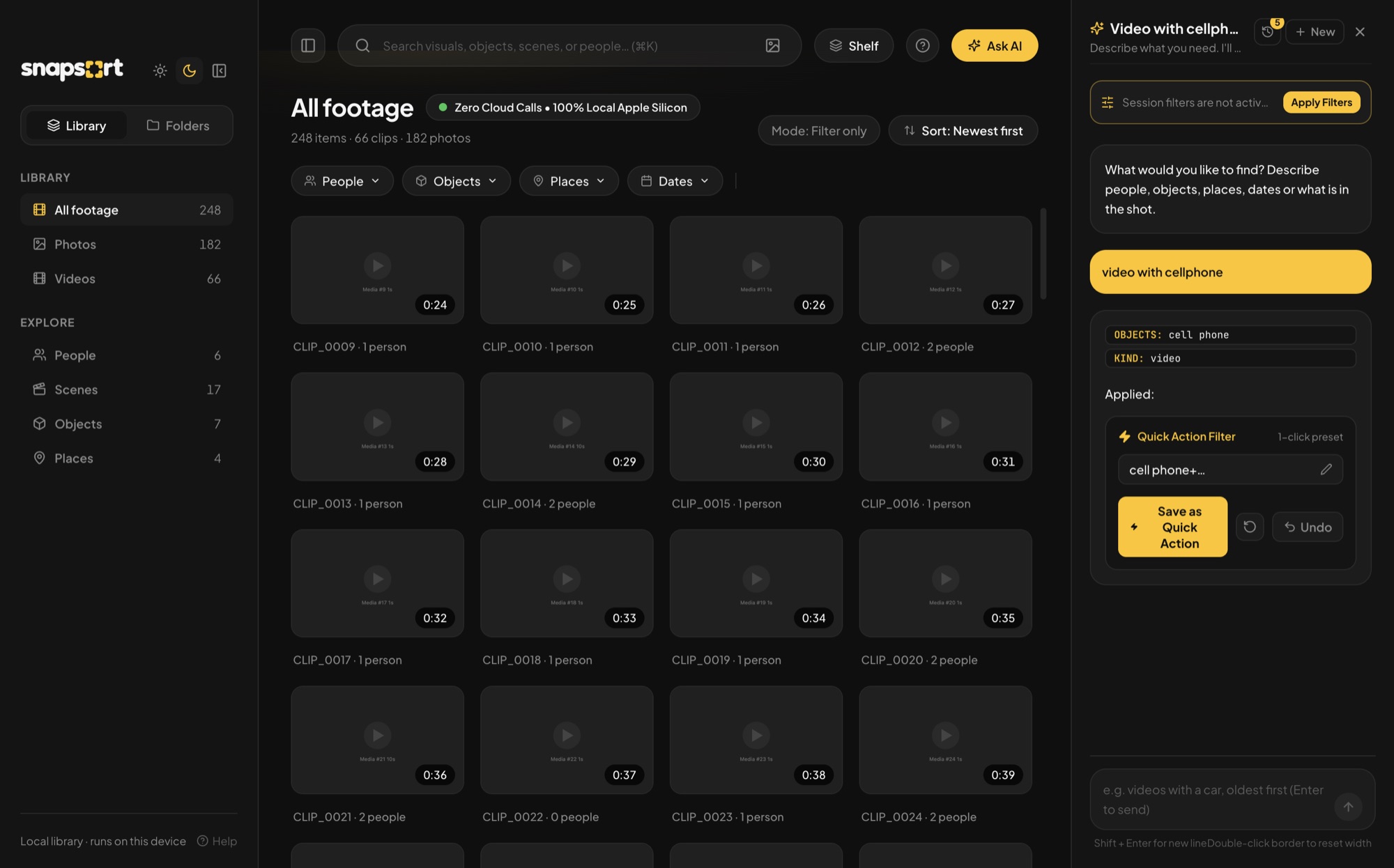
UI data is mocked to keep personal photos private.
Overview
A private, offline photo and video library for macOS. It finds people, objects, places, and scenes in your media with on-device AI, across the Mac's own library and any external drive. No file, face, or query leaves the machine.
Snapsort is the fully local version of Voogle: where Voogle sends audio and stills to Gemini, Snapsort runs every model on the Mac, including the chat model. Photo apps that recognize faces and understand "beach at sunset" mostly do it in the cloud. Snapsort does the same work on a laptop and keeps every result local.
Won 2nd place at AppBuildersPH's first hackathon as Team Generation of Miracles. Built solo, covering design, the ML pipeline, the backend, and the desktop app. It works end to end today: ingest, people, all search filters, the desktop app, and Ask AI. Next are fine-tuning the chat model on this tool (it gets about half of real queries exactly right today) and a scenes module.
Features
- People: detects faces in photos and video, then groups the same person across the whole library. People can be named.
- Text search: type a description ("people near a bus") and get matching photos and video frames.
- Similar image search: find media that looks like a given image.
- Object detection: 80 everyday object classes per frame.
- Places: GPS from file metadata, turned into place names offline.
- Date filter by capture date.
- Stacking filters: person, place, kind, date, text, and similarity combine with AND or OR.
- Ask AI: a chat panel where a 284 MB local model turns a plain message into a search.
- Video aware: videos are sampled at 1 frame per second, so every feature works on video too.
- Multi-drive libraries: an external drive carries its own library and shows up when plugged in.
- Incremental ingest: re-running only processes new files, new modules, or changed module versions.
Highlights
- Sidecar backend: the Electron app spawns the Python backend and talks to it in JSON lines over stdio, with no local web server or open port. The backend runs the chat model through a local llama-server.
- Module system: each analysis (faces, objects, embeddings, location, date, metadata) is a plug-in with setup() and process(frames). A shared contract validates every result, and a failing module doesn't stop the others.
- One SQLite library per drive, with global ids that encode the library and the local row, so the UI treats several drives as one library.
- Typed contract: the frontend and a mock backend share Zod schemas, so the UI runs without the Python side.
- Face recognition tuned on public benchmarks: detection, quality gates, and five-point alignment were measured on LFW (13,233 photos of 5,749 people) and reached 99.67% pair accuracy. Grouping thresholds were chosen from full-library runs, for example to keep look-alike siblings apart.
- Grouping that scales: faces are grouped in batches with Louvain, then matched to per-person centroids. Similarity is computed in blocks, so a long video never builds a full face-by-face matrix.
- Chat model picked by eval: a 45-query tool-calling eval across 6 small models (LFM2.5, Granite 4.0, FunctionGemma, Qwen3, Qwen3.5). Granite won at 19/45 exact with 0 invalid arguments, beating a larger 397 MB Qwen3.
- No hallucinated filters: llama.cpp holds the model's output to a JSON schema built from the user's own people, places, and objects, so every value it returns exists.
- About 3,000 lines of Python and 12,800 lines of TypeScript, with 199 Python tests (unit, module, and end-to-end) plus Vitest frontend tests.