Voogle
Mac app that searches video by what's said, what's on screen, and who's in it
Overview
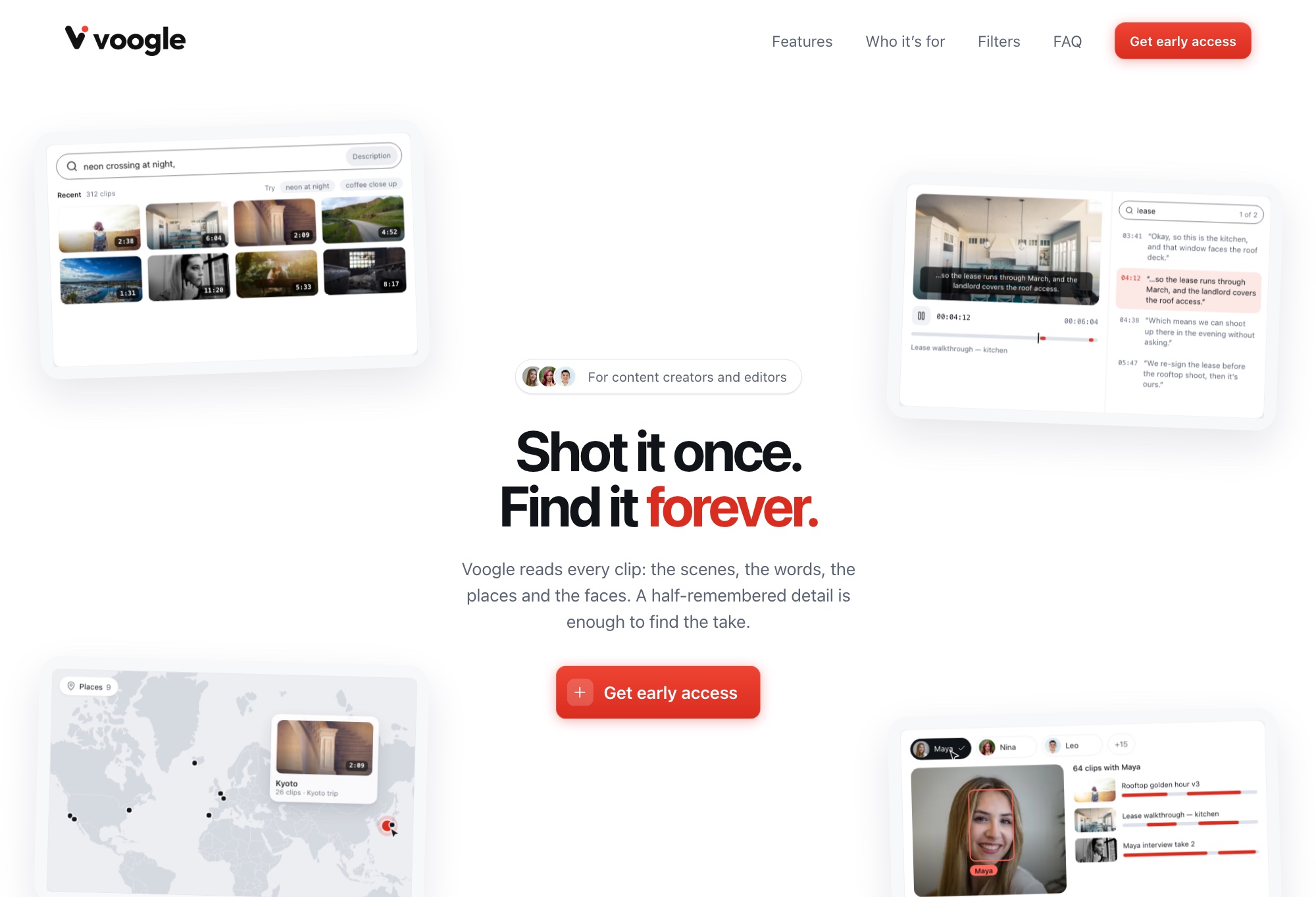
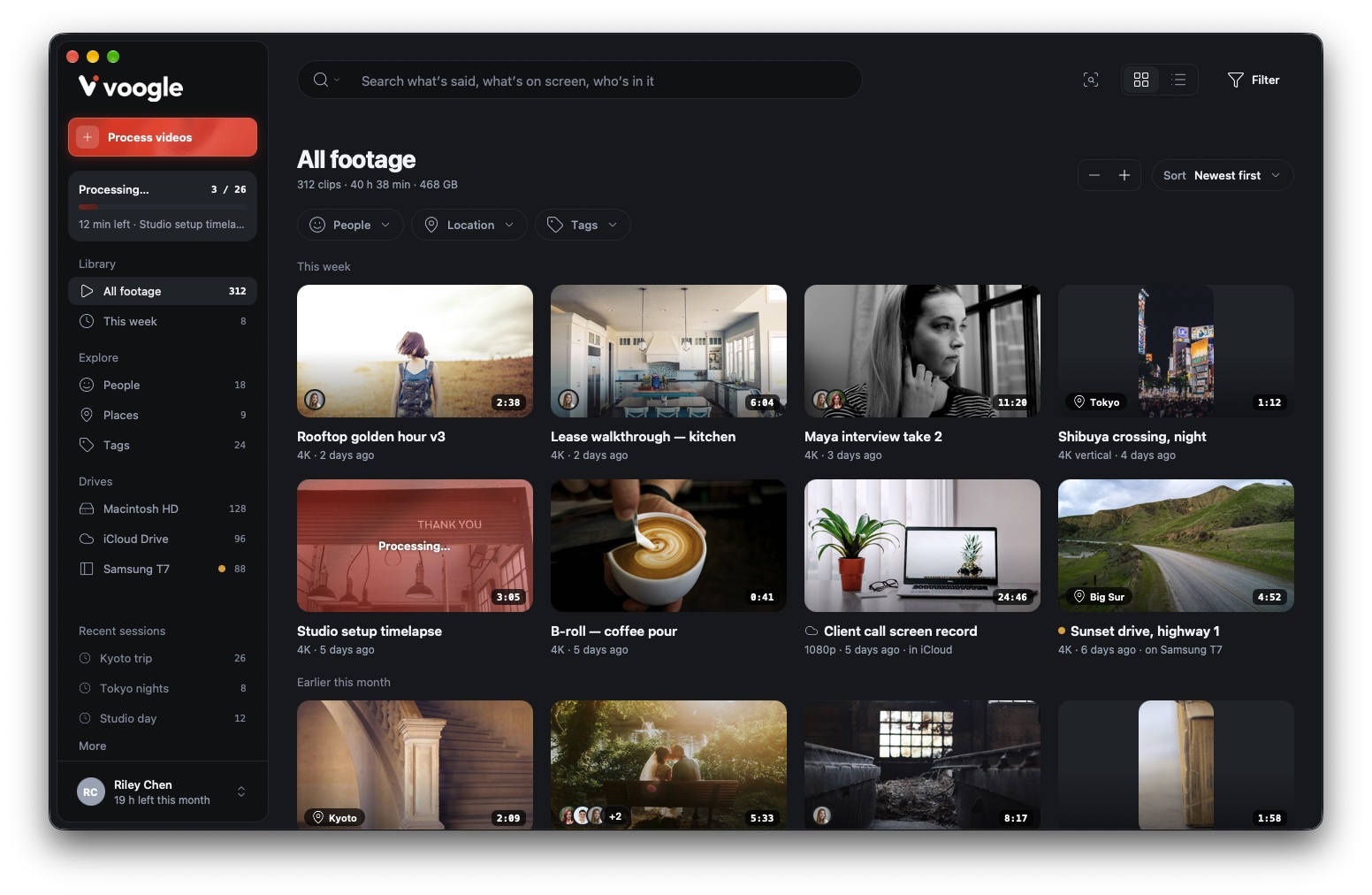
A local-first Mac app for finding a moment in hours of footage without scrubbing. Search by what's on screen, what's said, and who's in it, search with a photo, or browse clips on a map. Import videos from the Mac, external drives, or iCloud Drive, and Voogle indexes each one: a transcript, a caption for every 2 seconds of video, image embeddings, the faces that appear, and where it was shot.
The UI is being rebuilt in React Native for macOS on top of the existing Swift engine, for faster UI work. Every screen of the new design is done, and backend wiring is underway.
Video stays on the Mac. Only the audio track and 640 px stills go to Gemini, once per video, on a paid tier where Google doesn't train on the data. Face grouping, both searches, and the database run on-device, with no server to run.
Features
- Import that skips duplicates by content hash and reads GPS and recording date from each file, across external drives, iCloud Drive, and watched library folders.
- Processing pipeline: frame embeddings, face detection and embedding behind a quality gate, then a Gemini transcript and captions. Jobs are tracked in sessions and resume after failure.
- Text search over what's said or shown, returning the top 20 timed moments and opening the clip at the match.
- Visual similarity search: drop in a photo to find the top 50 matching clips.
- People: faces grouped across the whole library, with rename, re-detect, and a graph view for tuning the grouping.
- Map of geotagged videos as clustered pins, with a nearby-videos popover.
- Library browser with a grid, People, Drives, and Date filters, marquee select, and moving videos between drives.
- Transcript and caption corrections with Undo. Corrected videos are protected from being overwritten by reprocessing.
- Shelf: a floating panel (⇧⌘S) running a second React root on the same JS runtime.
Highlights
- React Native UI, native Swift engine: RN native modules and views call the Swift package in-process, with no web server or IPC layer.
- Chose React Native over Electron because Chromium can't play ProRes. Playback stays on AVPlayer, exposed to React as a native view, so ProRes and HEVC play natively.
- Semantic text search: every transcript and caption segment is embedded on-device with all-MiniLM-L6-v2 on MLTensor.
- Face grouping with cosine matching, Louvain clustering, and K-means centroids, computed with Accelerate.
- One cloud call per video: failures are recorded per kind and retried later, and a finished transcript or caption set is never sent to Gemini twice.
- File identity without a re-encode: an ID is stamped into the MP4 metadata in place, so one SQLite database (GRDB and a vendored sqlite-vec index) covers every drive.